
Know what needs attention
Give tasks a due date and priority so an urgent client revision does not get lost beside next month's ideas.
A clearer plan for every client, project, and workday.
Bring tasks, deadlines, team responsibilities, and project notes together. Spend less time piecing together updates and more time moving the work forward.
Make the next step clear
Useful for virtual assistants, independent creators, and small teams juggling several moving parts.
Give tasks a due date and priority so an urgent client revision does not get lost beside next month's ideas.
Assign responsibility and break a larger task into subtasks. Everyone can see the part they need to move forward.
Store notes and important links alongside your work, from a client's instructions to the folder containing final deliverables.
Organize related work into projects so a website launch, weekly content, and routine admin each have a clear place.
Keep reminders and upcoming events visible when preparing a launch, client meeting, or publishing schedule.
Use saved notes and completed tasks to review progress before your next work session or client update.
From a brief to a workable plan
Illustrative layouts with fictional project data. Use these examples as ideas for organizing your own work.
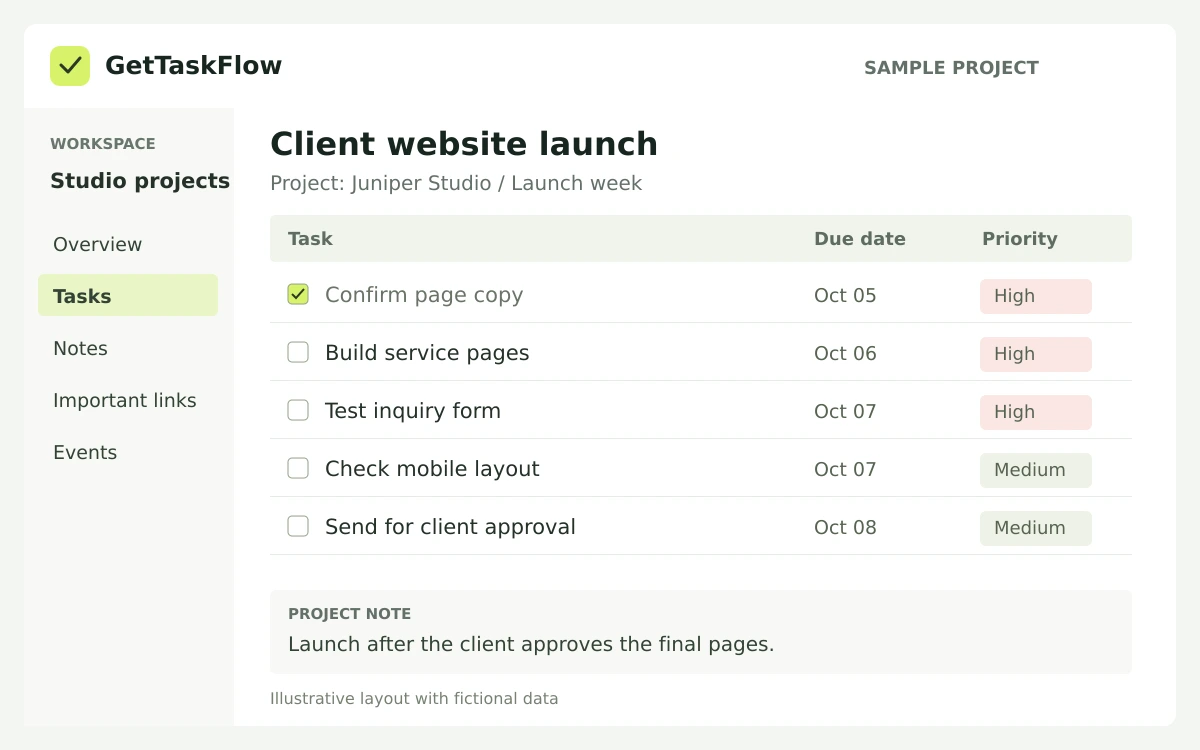
Break a launch into copy review, page building, form testing, and final approval. Keep the deadline, priority, and next action easy to find.
View larger sample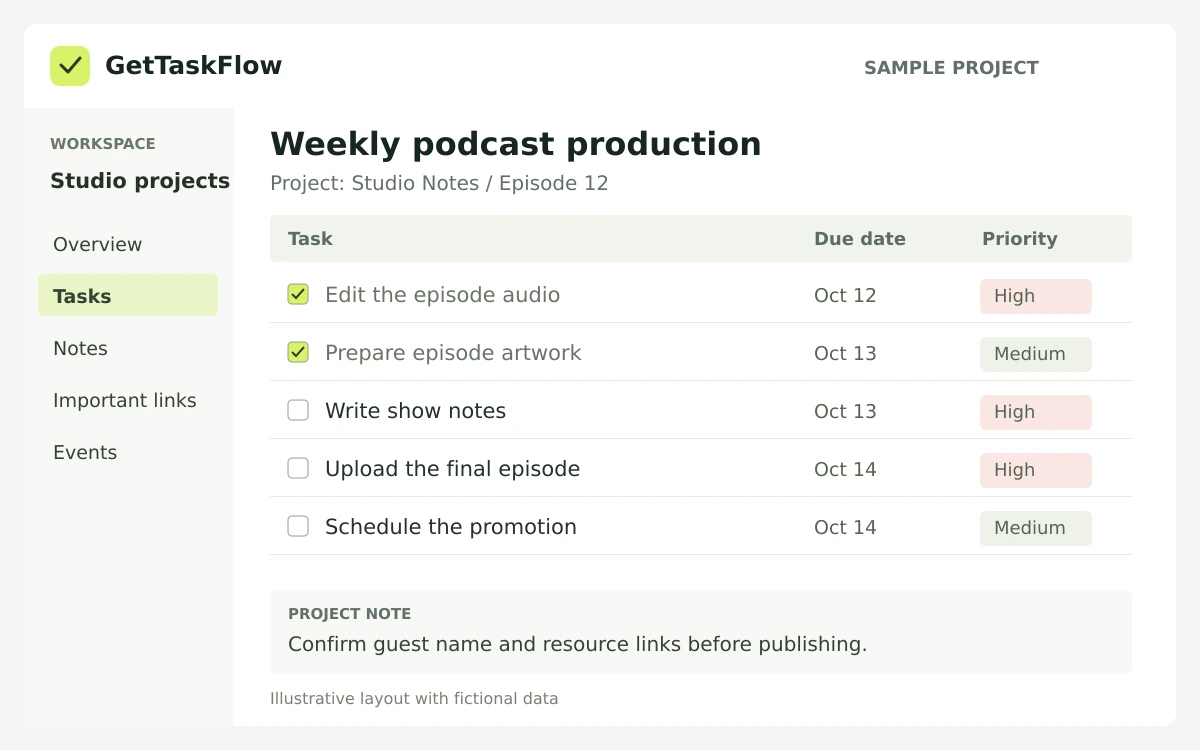
Give each episode a practical checklist: edit the audio, prepare the artwork, write the show notes, upload, and schedule promotion.
View larger sampleStart with one project
Start with one client, campaign, or weekly workflow. Give the project a name you will recognize immediately.
Write specific tasks, set dates and priorities, and add the notes or links needed to complete them.
Check off finished work, update the next steps, and use the project as your starting point each day.
Yes. You can organize your own tasks and project notes without needing a team workflow.
Client onboarding, website updates, podcast production, and event preparation are useful starting points. Group related tasks and keep the instructions nearby.
No. The images show illustrative workflows with fictional data, not customer records or exact screenshots of the app.
Open GetTaskFlow to see the options currently available for your account before choosing a plan.
Open GetTaskFlow and bring your next actions into one workspace.