
Make the offer recognizable
Lead with the actual product, workbook, or resource so visitors can see what the link is about.
Give people a clearer reason to explore your link.
Introduce your product, resource, or service with a cover image, a useful title, and a short description. Make what you are sharing easier to recognize before someone clicks.
A better introduction
For small shops, creators, and service providers who want their shared offers to look considered and easy to understand.
Lead with the actual product, workbook, or resource so visitors can see what the link is about.
Pair a specific title with a short description. Explain what someone can explore or download without squeezing everything into the URL.
Use your own imagery and a consistent tone to connect the preview with the business or creator behind it.
Create a distinct introduction for a product bundle, resource, or campaign instead of asking one generic message to explain everything.
Point the cover link toward your existing page, such as a shop listing, booking page, or resource landing page.
Review the image, wording, and destination together before placing your cover link in a post or message.
Realistic offer examples
Fictional sample offers with example cover layouts. The product photos were created for these demonstrations.
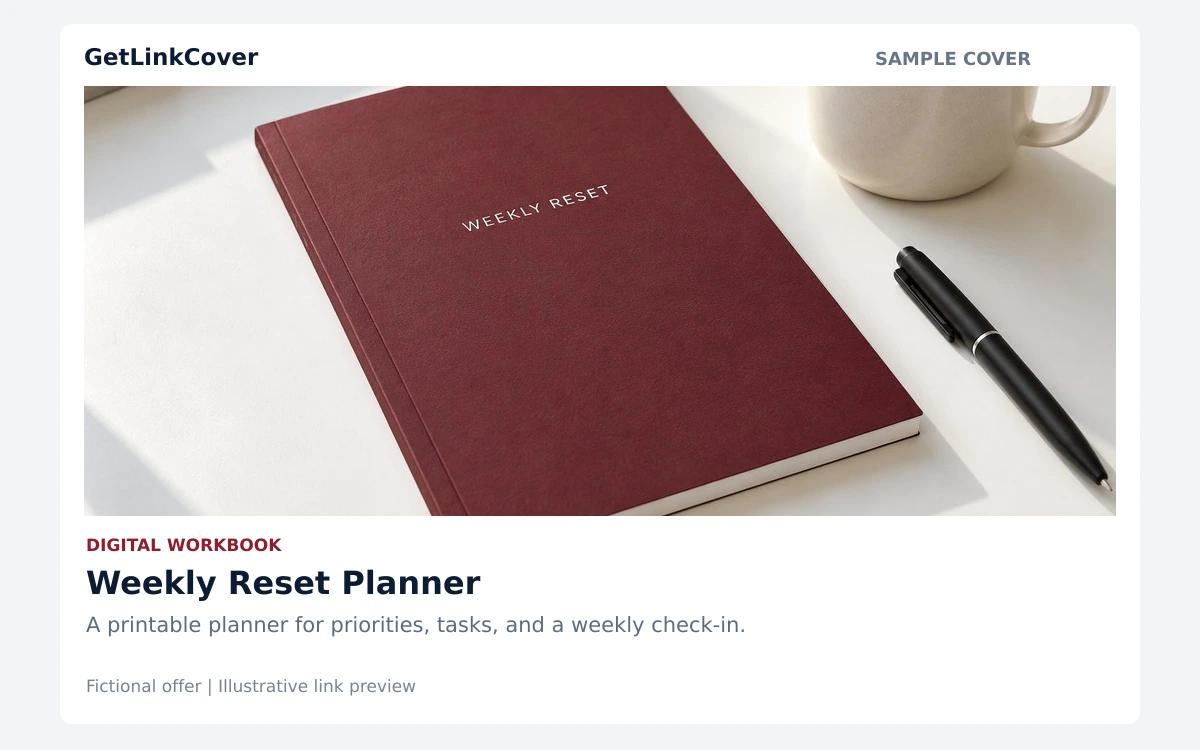
A recognizable workbook image and a specific title give readers a clearer idea of the resource. Link it to your existing download or sales page.
View larger sample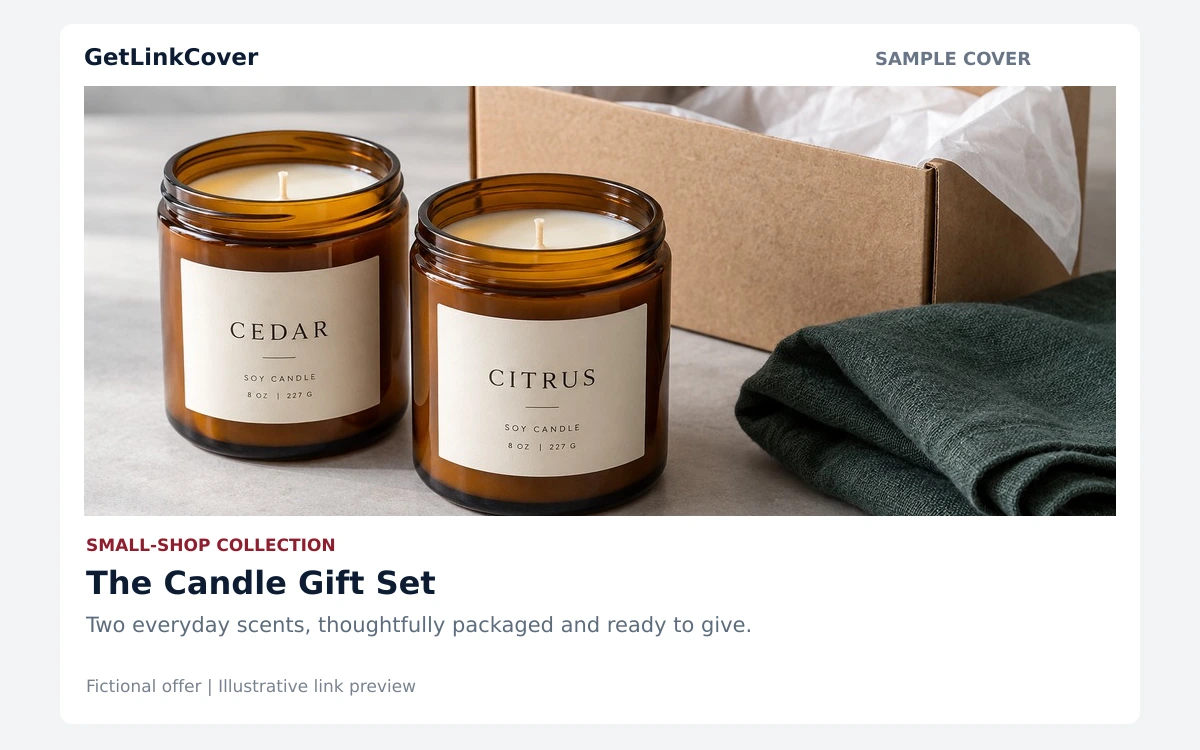
Show the products together, name the collection, and explain the offer in one sentence. Send visitors to the product page for details.
View larger sampleKeep the message focused
Start with the page you want people to visit. Check that it opens and that the offer details are current.
Choose a relevant image, write a clear title, and add a short description that matches the destination.
Review the cover and test the link. Check how it appears in the platform where you plan to share it.
No. It introduces the page you already want to share. Your destination still provides the full details, booking process, or checkout.
Preview layouts and cached images can vary by platform. Test your shared link in the app or network you plan to use.
Use a clear, relevant image you have permission to use. Keep important details away from the edges because platforms may crop the preview.
Open GetLinkCover for the current account options, cover limits, and any plan-specific features.
Bring a useful image, a clear message, and your destination together.